
 Image 1 of 3
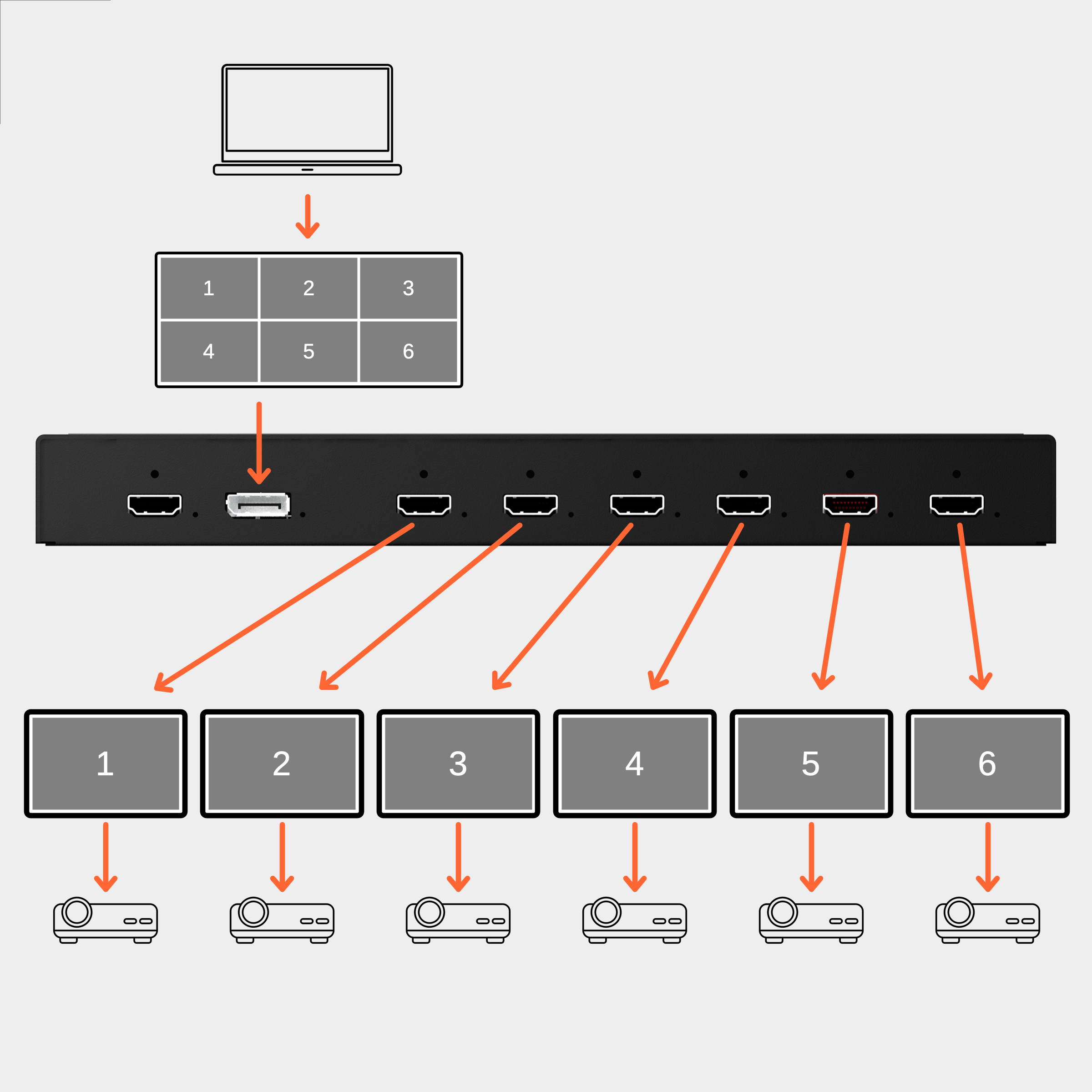 Image 2 of 3
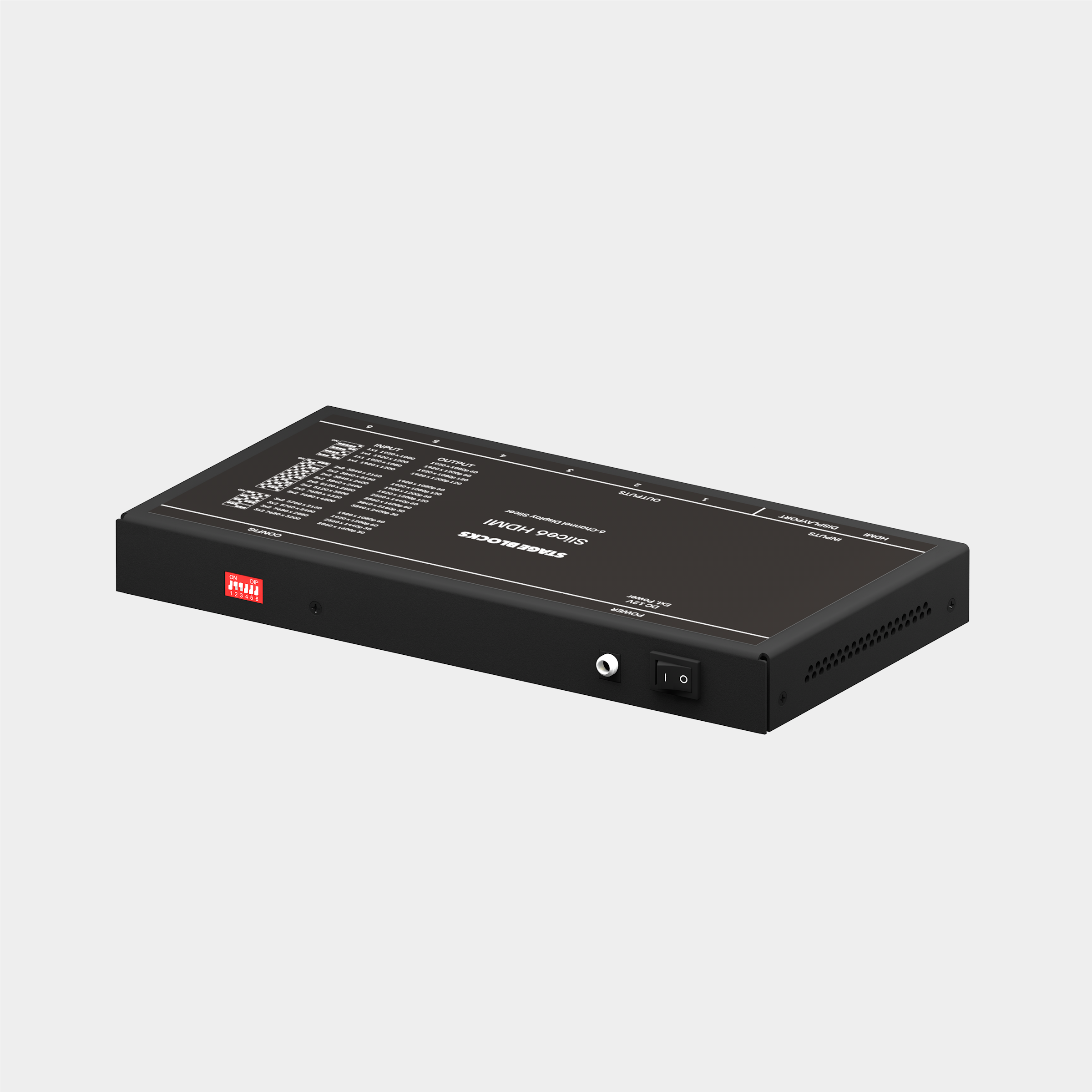 Image 3 of 3
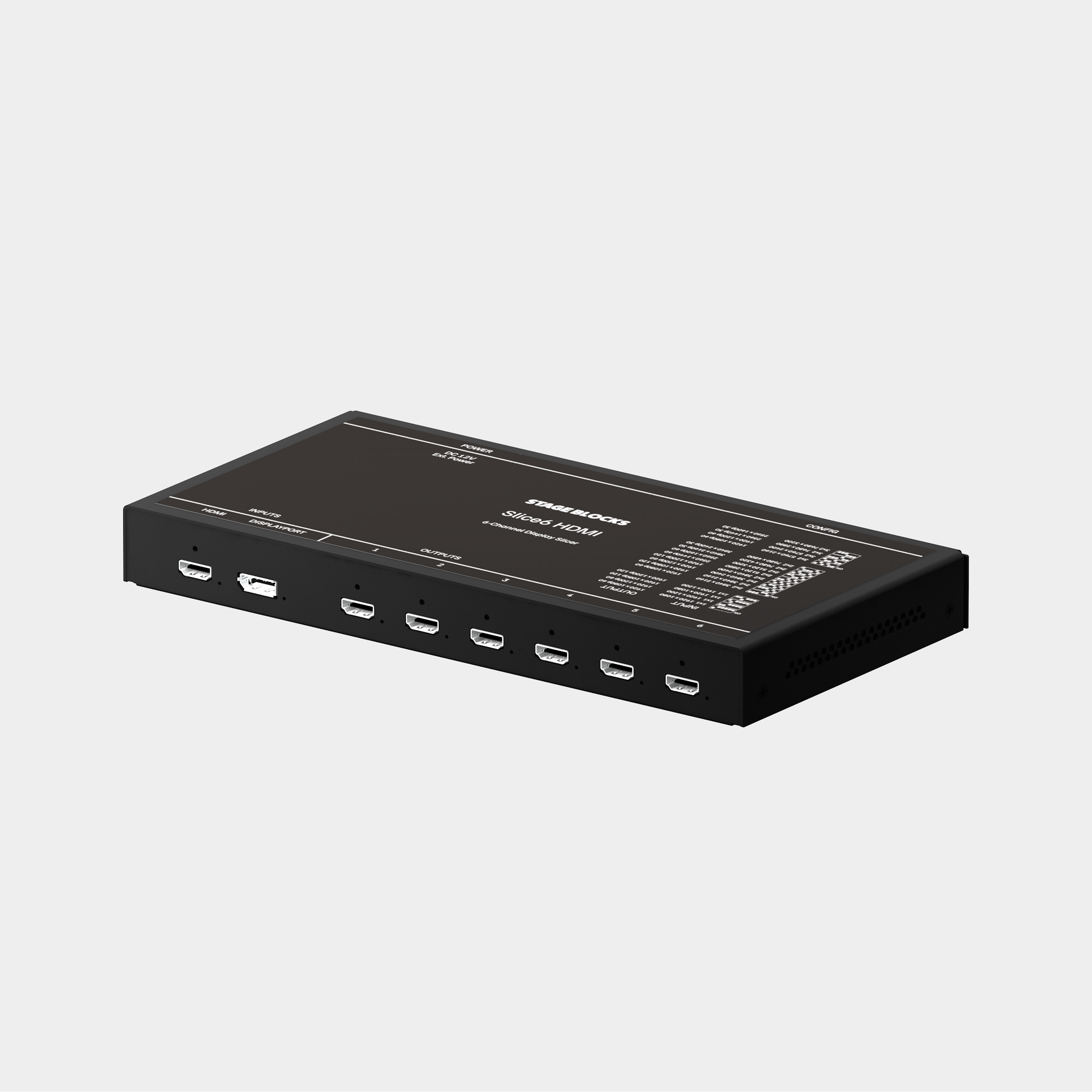
Slice a single 4K output from your Mac into up to six separate HDMI signals. Use SLICE6 to connect six projectors to a single port on any Mac, then use software like QLab or MadMapper to map them separately.
Unlike other display slicers which compromise on image quality or maximum resolution, the SLICE6 uses advanced FPGA technology to prevent quality loss. Simple DIP switches are used to set the output resolution up to 6@1920×1200p60 or 4@3840×2400p30.
SLICE6 is designed to be plug-and-play, with no complex configuration software or confusing menus to navigate. Just connect it to your Mac with the included USB-C to DisplayPort cable and set the output configuration you want. We’ve even printed common configuration DIP settings right on the box.
Includes
Slice6 HDMI
3ft USB-C to DisplayPort adapter cable
Locking 12V power adapter
Slice6 devices are built-to-order and may take up to 21 days to ship.
Slice a single 4K output from your Mac into up to six separate HDMI signals. Use SLICE6 to connect six projectors to a single port on any Mac, then use software like QLab or MadMapper to map them separately.
Unlike other display slicers which compromise on image quality or maximum resolution, the SLICE6 uses advanced FPGA technology to prevent quality loss. Simple DIP switches are used to set the output resolution up to 6@1920×1200p60 or 4@3840×2400p30.
SLICE6 is designed to be plug-and-play, with no complex configuration software or confusing menus to navigate. Just connect it to your Mac with the included USB-C to DisplayPort cable and set the output configuration you want. We’ve even printed common configuration DIP settings right on the box.
Includes
Slice6 HDMI
3ft USB-C to DisplayPort adapter cable
Locking 12V power adapter
Slice6 devices are built-to-order and may take up to 21 days to ship.